smoothCCNA
Education · Networking

smoothCCNA

Study for the CCNA 200-301 a few minutes a day. Short lessons, a real-feeling IOS terminal, and hands-on labs, all offline.

iOS 17+ iPadOS macOS 14+ Android 8+ Fully offline
Download on the App Store
iOS & Mac support Android support Privacy policy Terms of use
Journeys
12
Lessons
65
Exercises
984
Scenario labs
18
Features

The whole blueprint, one lesson at a time.

Twelve journeys cover the CCNA 200-301 exam topics, from network fundamentals to automation.

Path

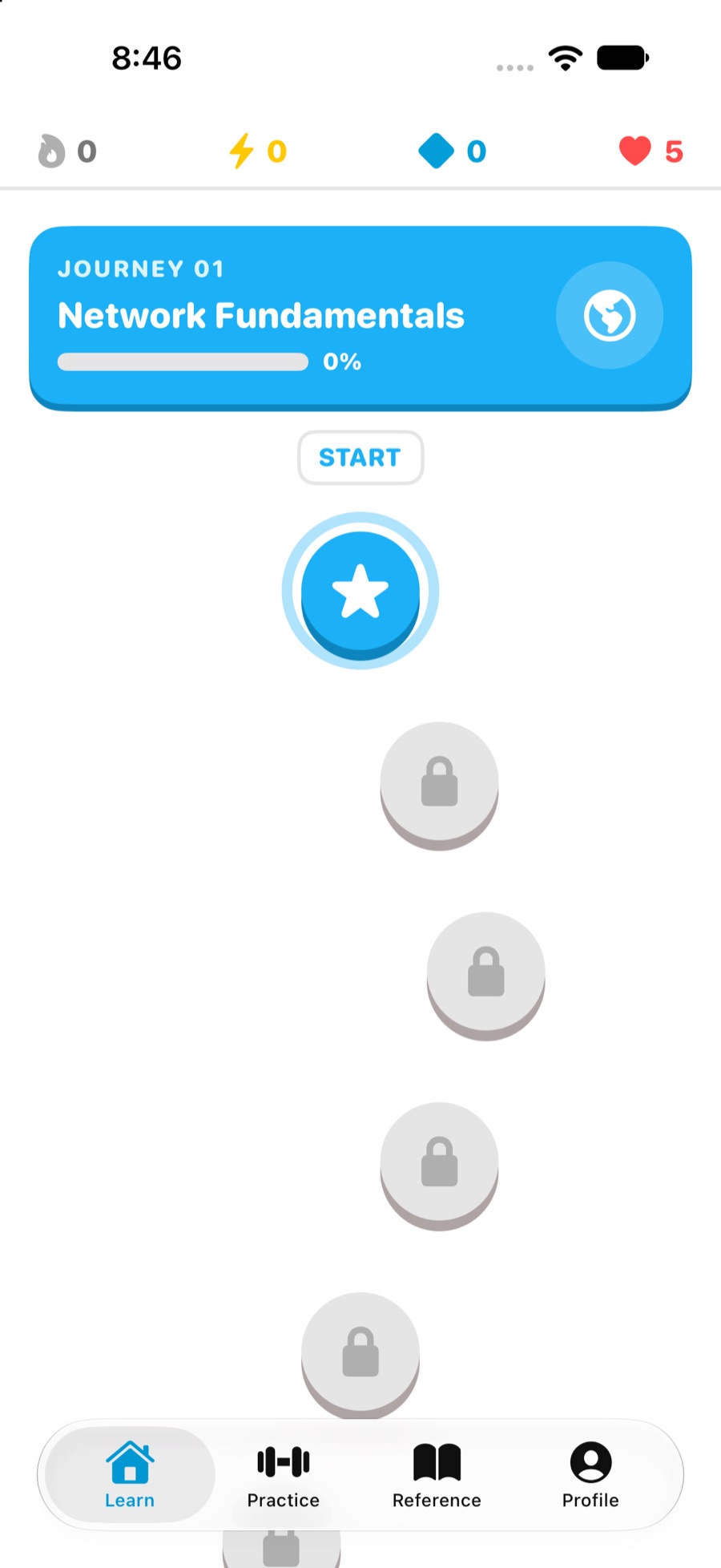
Guided learning path

Lessons unlock in order, with checkpoints at the end of each journey.
CLI

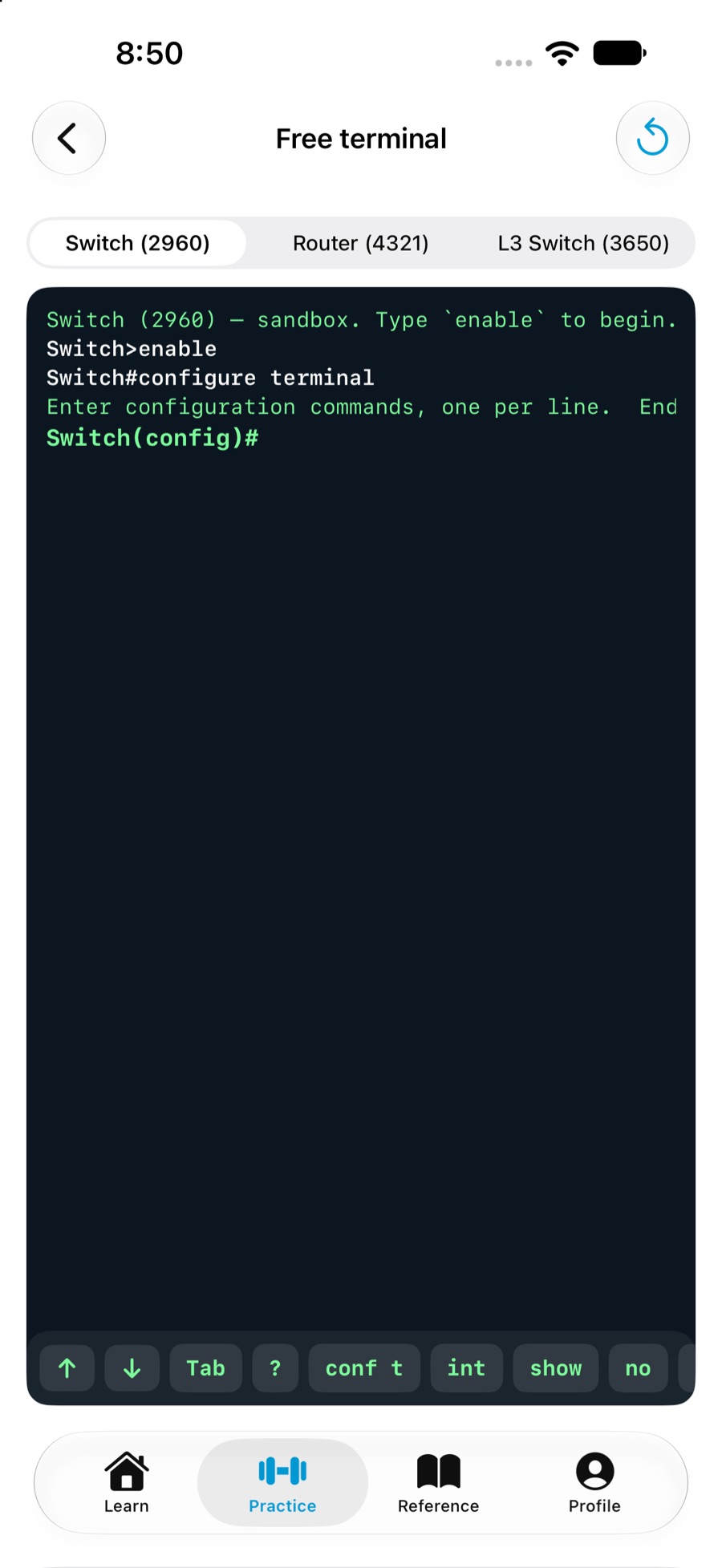
Simulated IOS terminal

Real prompts, modes, abbreviations, ? help, Tab completion, and ^ error markers.

Labs

Scenario labs

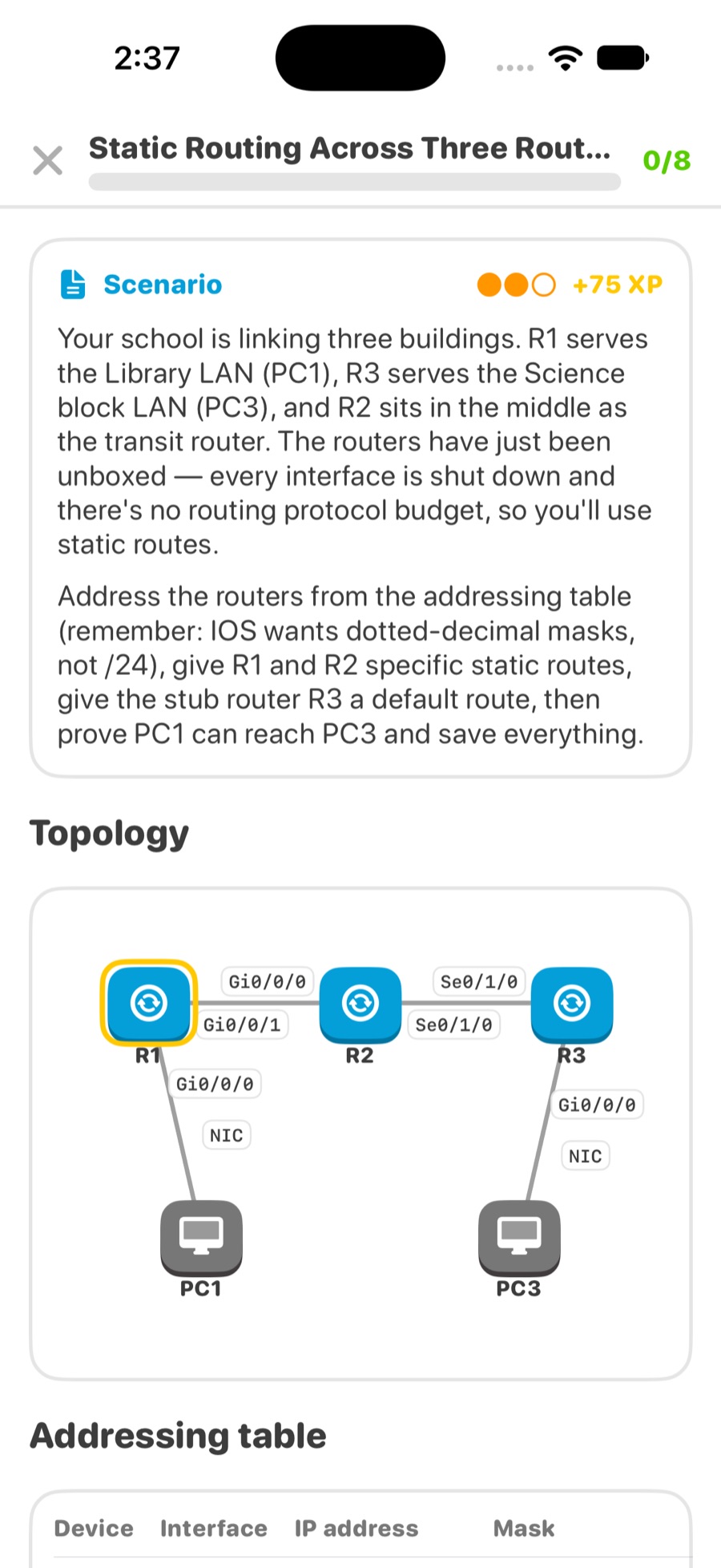
Topology, addressing table, task checklist, and a console for every device.

Ping

Simulated reachability

Pings follow your VLANs, trunks, routes, ACLs, and NAT.

Types

Ten exercise types

Build commands, read show output, order steps, troubleshoot, and subnet.

Exam

Timed exam simulator

Practice under exam conditions and track your best score.

Review

Mistakes review

Missed questions come back on a spaced-repetition schedule.

Drills

Subnetting drills

Endless practice until the math is automatic.

Ref

Built-in reference

Command reference, flashcards, and a 261-term glossary.

How it works

Five minutes a day adds up.

Goal

Set a daily goal

Pick your XP target and an optional daily reminder.

Learn

Work the path

Short lessons, instant feedback, and an explanation for every answer.

Lab

Configure it yourself

Apply each topic in a lab or the free terminal sandbox.

Screenshots

A look inside.

On iPhone and Mac.

smoothCCNA learning path showing the Network Fundamentals journey with the first lesson ready to start
Learning path: each journey unlocks lesson by lesson.
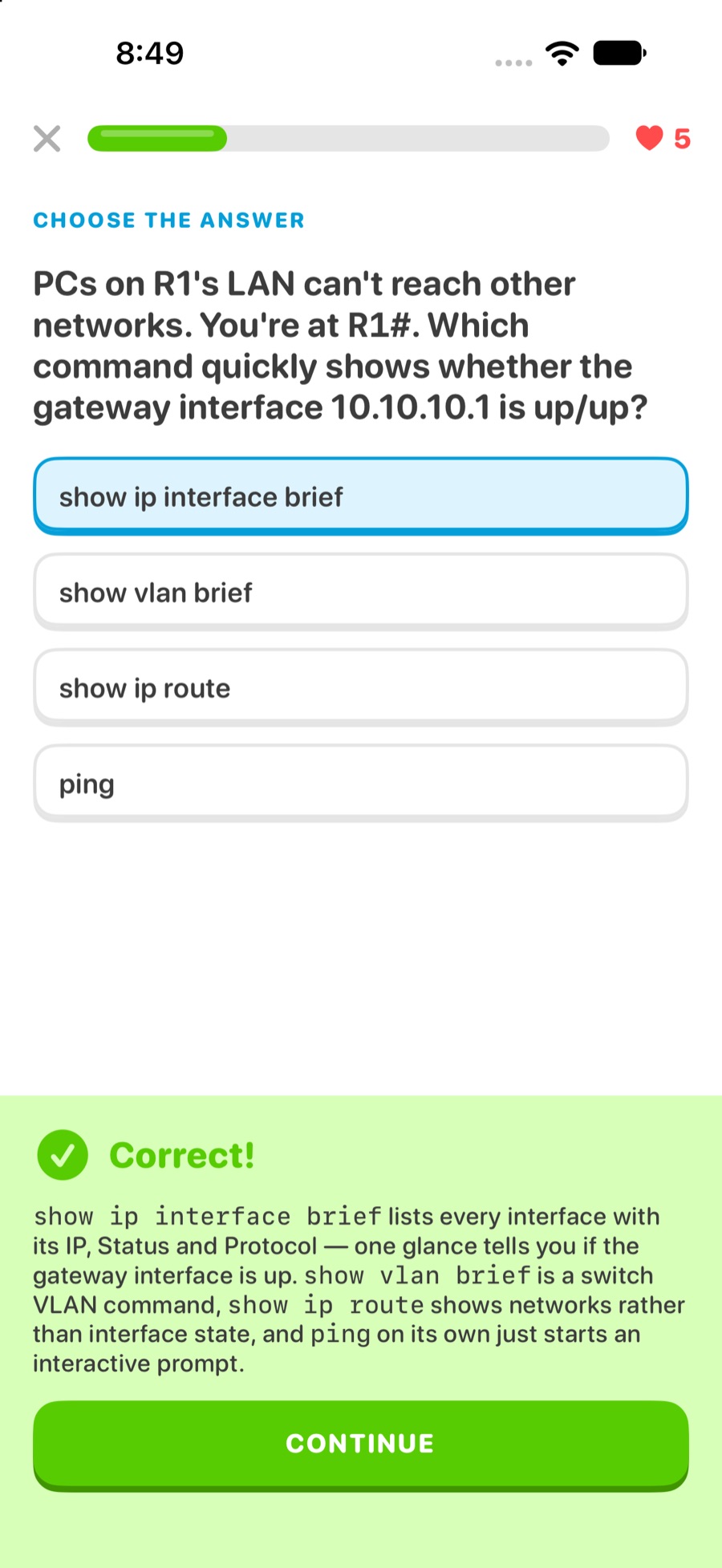
A multiple-choice question about checking a gateway interface, answered correctly with an explanation
Every answer explains why, including why the other choices are wrong.
The free terminal sandbox in global configuration mode on a simulated Catalyst 2960 switch
Free terminal: a switch, router, and Layer 3 switch to practice on.
A static routing lab showing the scenario, a three-router topology, and an addressing table
Labs start with a scenario, a topology, and an addressing table.
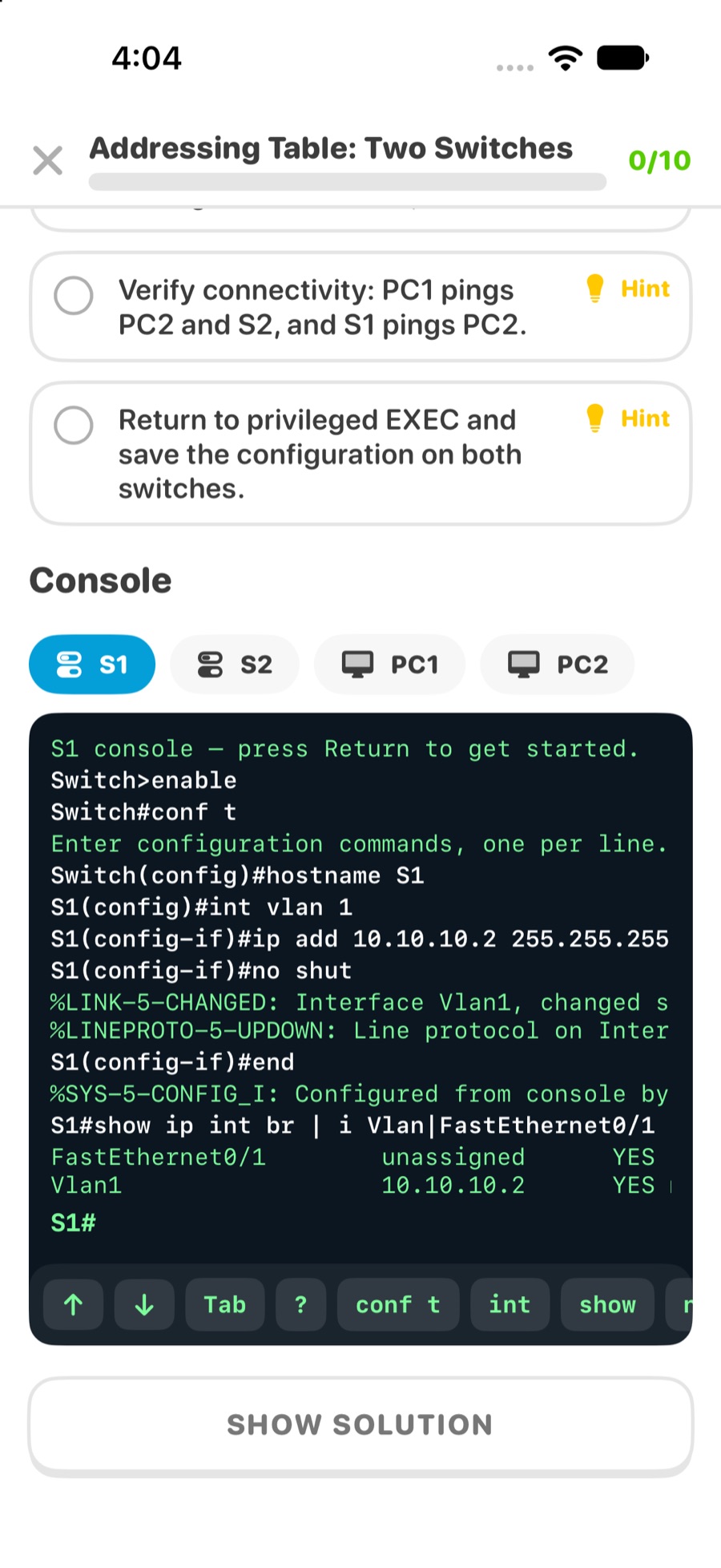
A lab console configuring a VLAN interface on switch S1, with tabs for other devices
Switch between device consoles as you work through the task list.
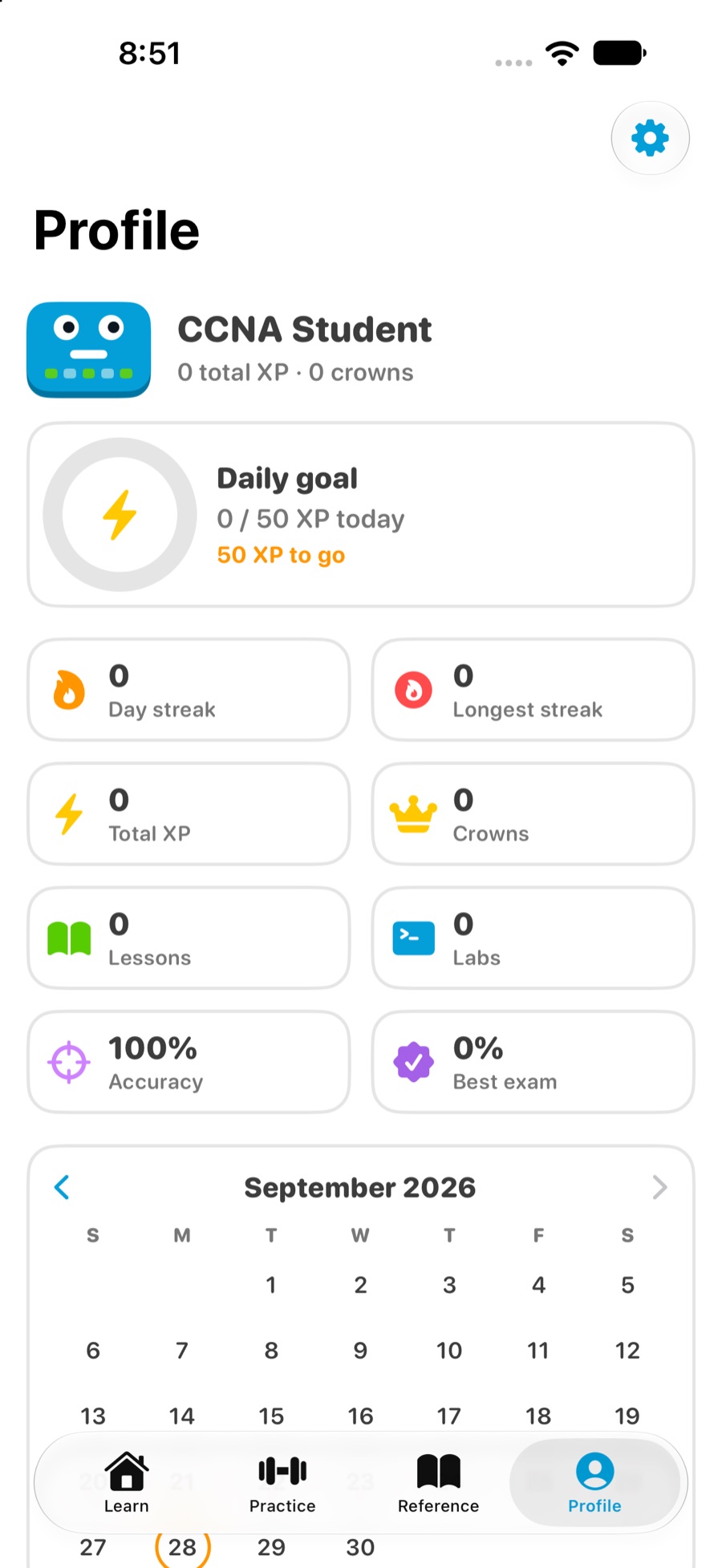
The profile screen with daily goal, streaks, XP, crowns, lessons, labs, accuracy, and best exam score
Profile: daily goal, streaks, accuracy, and your best exam score.
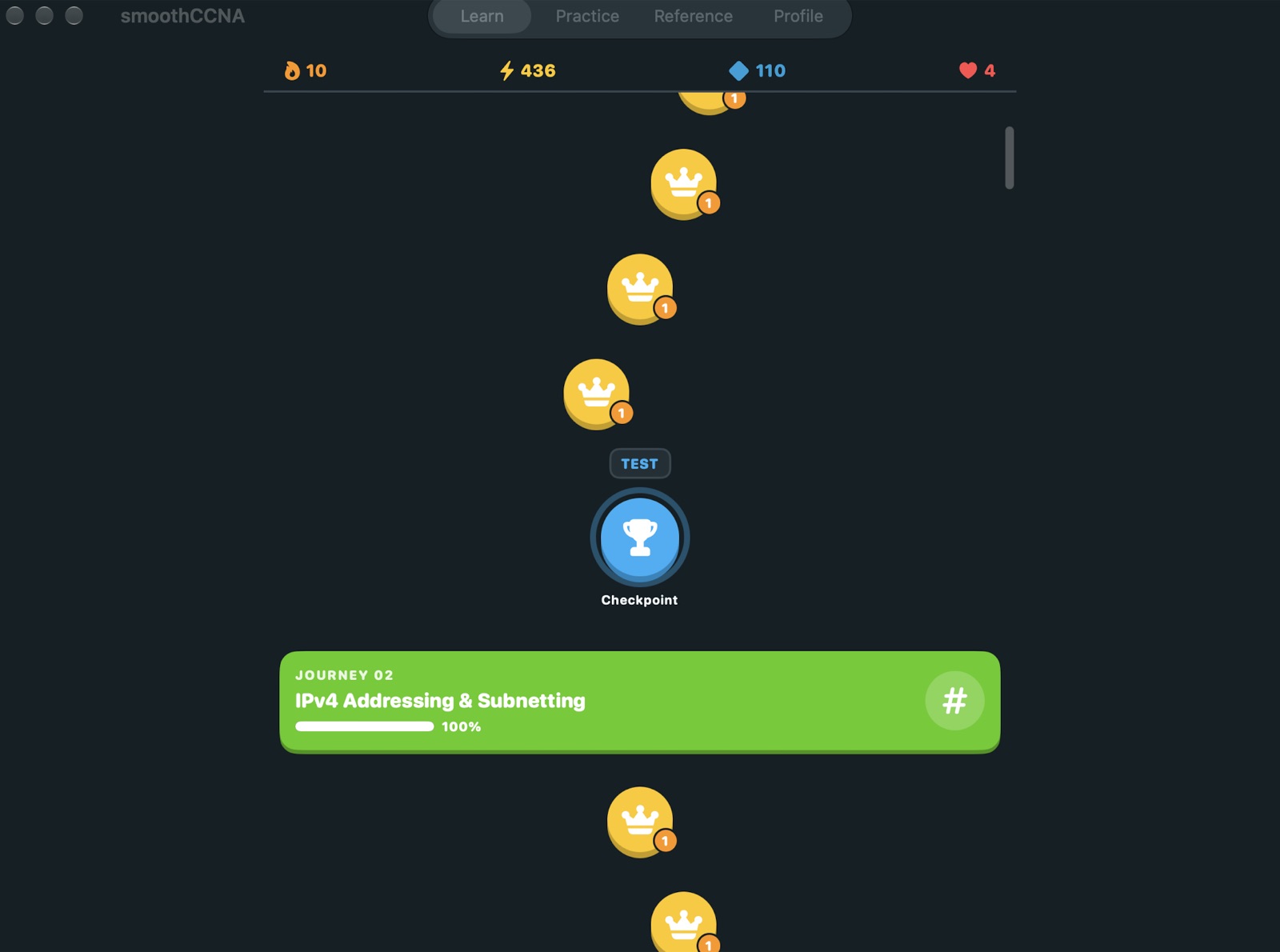
smoothCCNA running on a Mac in dark mode, showing completed lessons and a journey checkpoint
On Mac, with dark mode and the same progress.

Independent study aid. smoothCCNA is not affiliated with, endorsed by, or sponsored by Cisco Systems, Inc. Cisco, CCNA, and Cisco IOS are trademarks or registered trademarks of Cisco Systems, Inc.

Study for the CCNA, smoothly.

No account, no ads, no internet connection needed. Your progress stays on your device.

Download on App Store → Back to all apps